For merchants
Book a locker, pay by M-Pesa, assign a rider or deposit the parcel yourself.
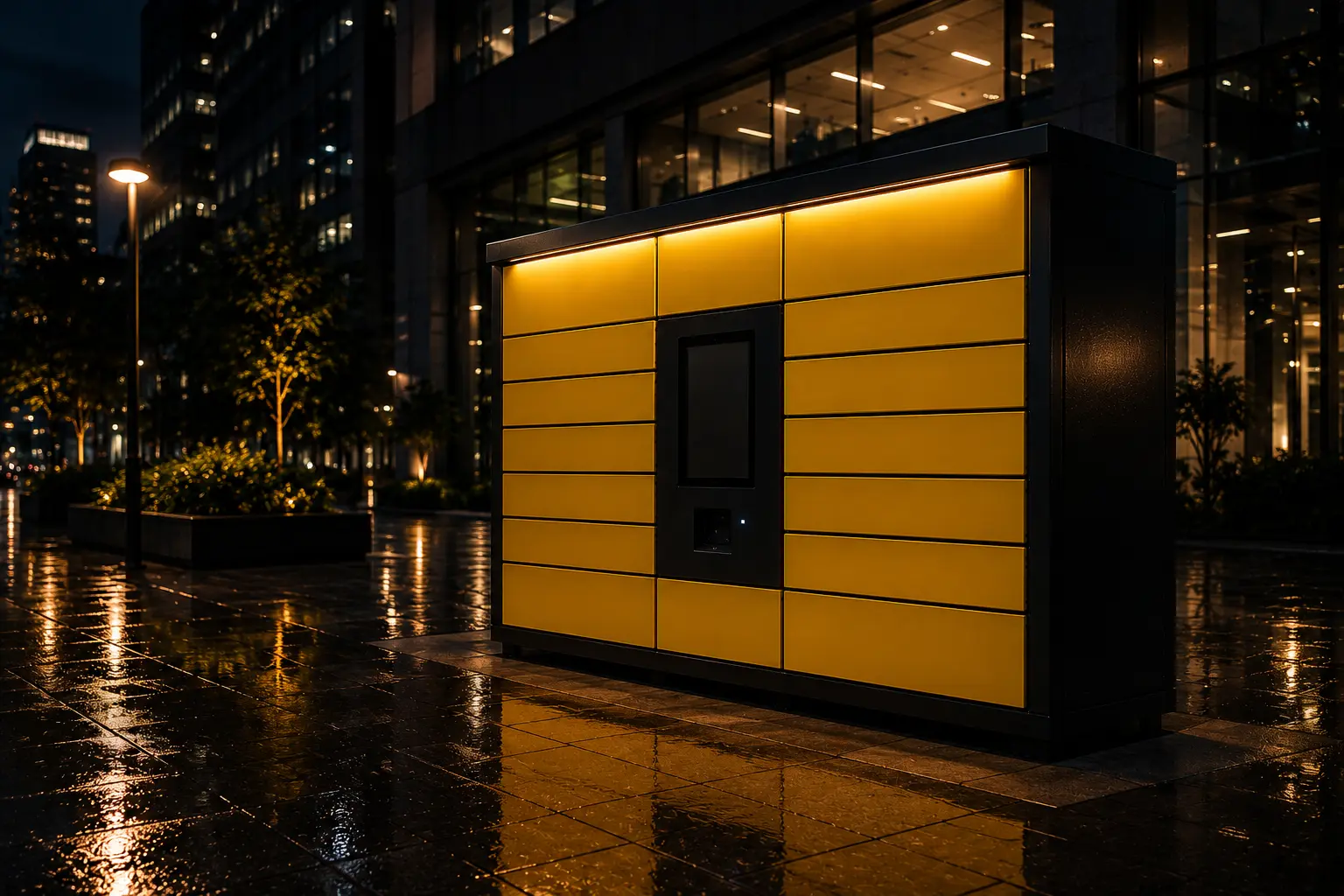
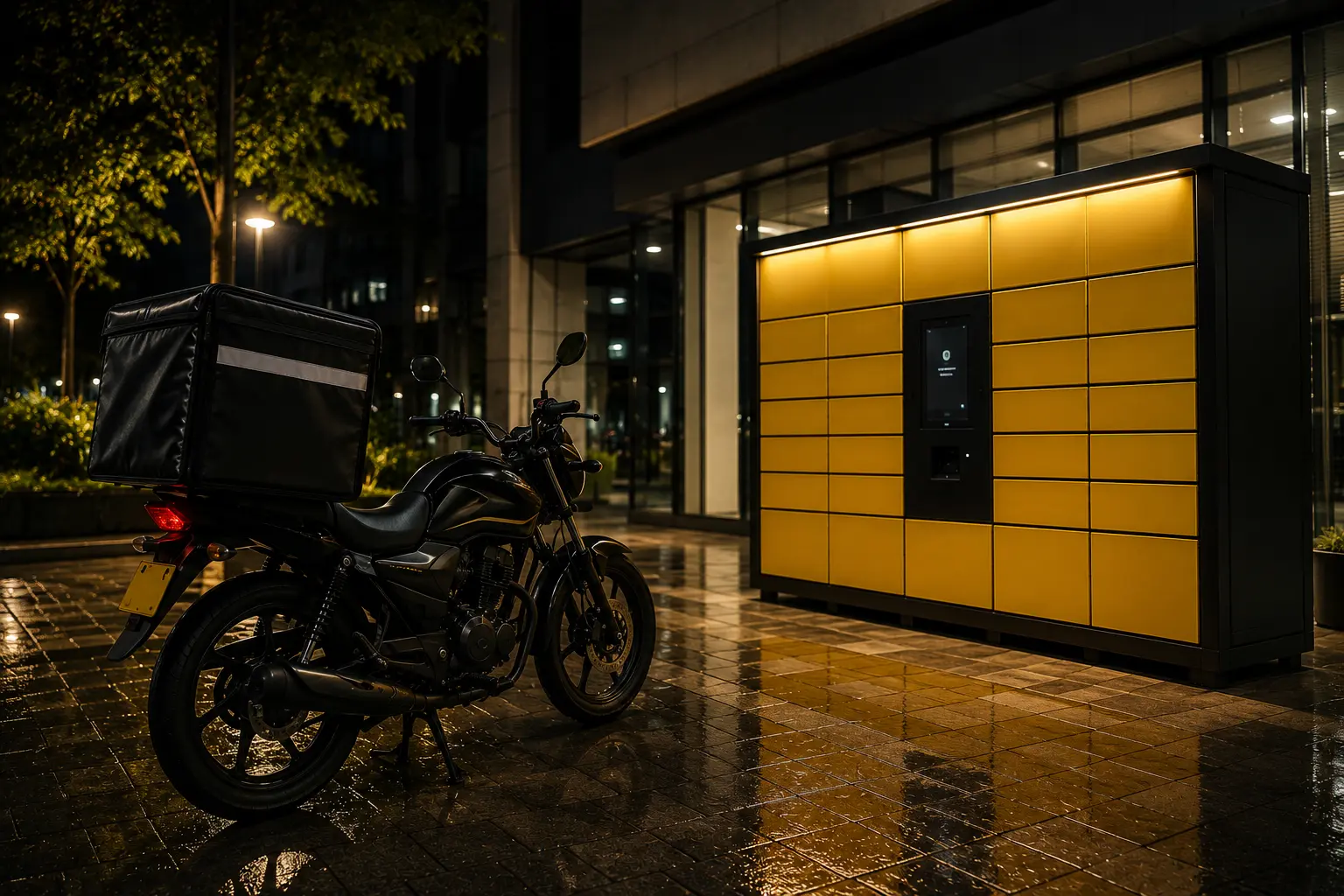
Our merchant platform and M-Pesa payments are live. We’re preparing the first locker installations, with the Nairobi pilot targeted for November 2026. Register for merchant onboarding or hosting a locker.
ILLUSTRATIVE LOCKER
Sample view · not a live location
Parcel status
WHO WE ARE
NAIROBI PILOT TARGET
November 2026
A PRODUCT OF

Smartdrop gives merchants, riders, customers, and site owners a simple way to move parcels without queues, missed calls, or door-to-door waiting.
PILOT READINESS · OCTOBER 2026
The software runs end to end with a demo cabinet and simulator. No field cabinets are installed yet. Site agreements, installation dates and customer access hours will be confirmed before each location opens.
How it works
Use the merchant app or dial *657*090# on Safaricom. Choose the cabinet and door size, add the customer and pay by M-Pesa within the booking payment window. Once payment is confirmed, assign a rider or deliver it yourself.
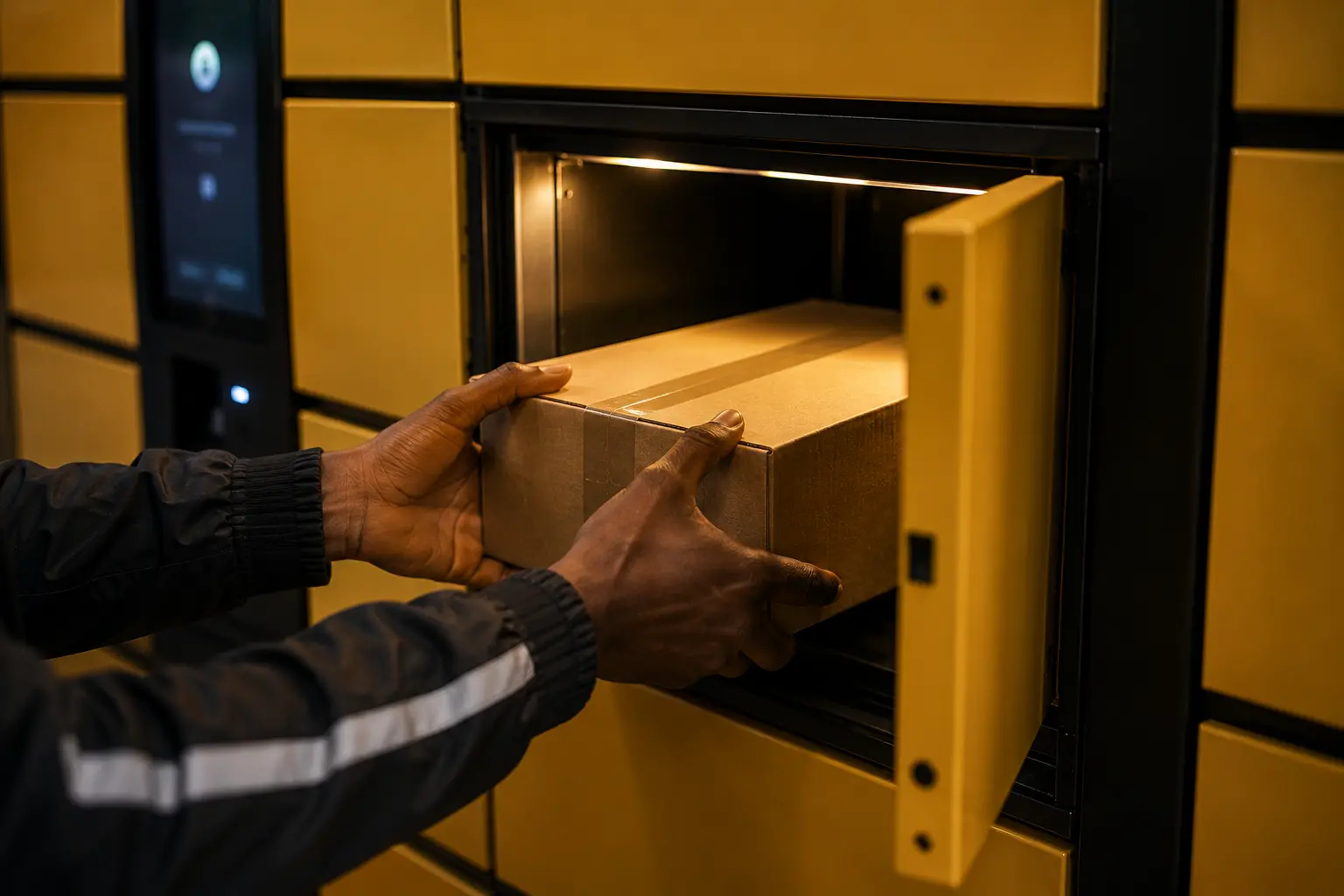
The rider, or you, receives SMS deposit instructions. At the cabinet, scan its QR code or dial *657*090# on Safaricom and follow the deposit menu. Place the parcel in the correct door and close it. The system confirms door events and notifies the customer.
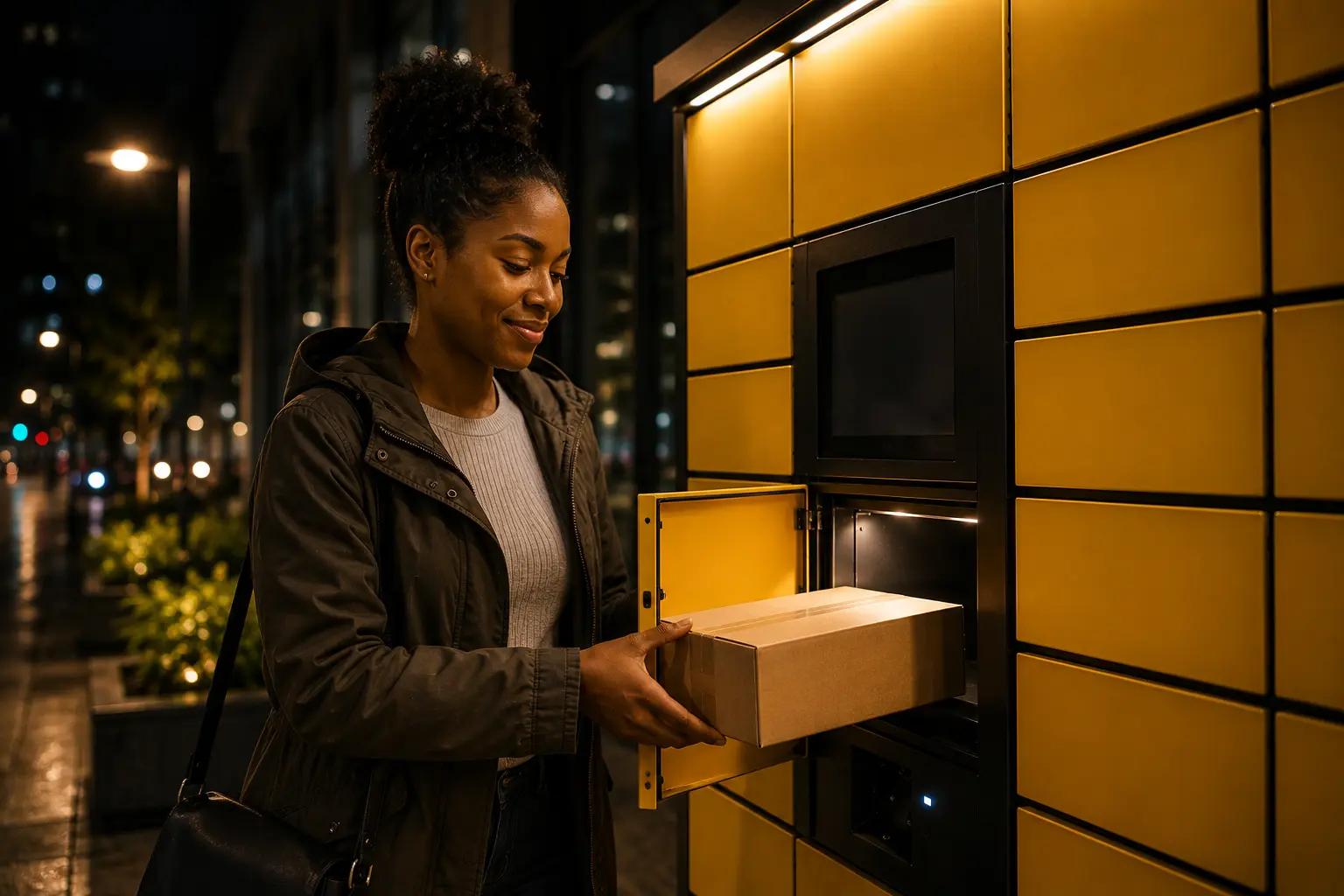
The customer receives the location, door and pickup details by SMS. At the cabinet, scan the QR code or dial *657*090# on Safaricom and follow the pickup menu using the one-time code. Pay any storage balance before unlocking, then take the parcel and confirm collection.
WHY US
Smartdrop connects the merchant app, locker QR flow, SMS OTPs, and operational support into one pickup network.
Customers collect when it suits them, so your team spends less time coordinating calls and addresses.
Every deposit and collection is tied to a unique code, slot, and parcel record.
Pay reservation and storage fees by M-Pesa through Co-op Bank, with payments linked to a booking reference.
Riders scan the cabinet QR code and follow secure deposit instructions in their browser. No rider app is required.
WHAT WE HAVE
For online sellers and shops moving parcels into secure pickup points.
For delivery teams that need a fast QR and PIN handoff at the locker.
For recipients collecting with SMS OTPs without downloading an app.
For properties proposing a convenient parcel pickup point, with site suitability assessed before installation.
Features
Smartdrop connects the merchant app, locker QR flow, SMS OTPs, and operational support into one pickup network.
Pay reservation and storage fees by M-Pesa through Co-op Bank, with payments linked to a booking reference.
Riders scan the cabinet QR code and follow secure deposit instructions in their browser. No rider app is required.
Track parcels from creation to deposit, locker storage, and final customer pickup.
Every deposit and collection is tied to a unique code, slot, and parcel record.
Customers collect when it suits them, so your team spends less time coordinating calls and addresses.
TRUKFLOW helps onboard teams, define locker zones, and tune delivery operations.
USSD · live on Safaricom
SmartDrop USSD is now live on Safaricom. Book, deposit and collect using a simple phone menu. No smartphone, app download or mobile data is needed for the USSD flow.
*657*090#
Open your phone’s dialler, enter the code and press call using your Safaricom SIM. Follow the on-screen menu to continue.
Locker deposit and collection are available at pilot sites once those sites open.
Book a locker, pay by M-Pesa, assign a rider or deposit the parcel yourself.
See assigned parcels and open the correct door when you arrive at the cabinet.
Check waiting parcels, pay storage if due, open the door and confirm collection.
Merchant PINs, pickup codes and a cabinet site code protect access. Keep your codes private; our team can help if you are locked out.
Register for pilot updatesProposed pilot locations
Phase 1 targets 10 Nairobi locations. These are proposed areas, not operational cabinets or confirmed host agreements. No field cabinets are open yet. Installation dates and customer access hours will be published after each site is confirmed.
Site status: Proposed → Confirmed for installation → Open for collections. Opening hours depend on each host site.
Proposed area · not open
ProposedHigh-footfall commercial lobby
See the platform in action
Request a guided demonstration of the merchant app, M-Pesa payment flow and parcel collection. Demonstrations currently use a demo cabinet or cabinet simulator while field installations are prepared.
Request a demoM-Pesa payments through Co-op Bank have a booking reference, with payment matching and exceptions handled by our finance team.
The system checks cabinet responses to opening commands and alerts operations when a door does not respond.
Our control room brings cabinet status, parcel history and payment records together so support can investigate a problem.
Pricing
The merchant pays a fixed reservation fee at booking. Recipients get 6 free hours after parcel deposit, then pay the hourly storage rate for their locker size. Locker bookings will be available at confirmed pilot sites once they open.
Compact storage for slim parcels and everyday essentials.
A flexible option for bags, backpacks, and daily deliveries.
More room for bigger bags and bulkier parcel pickups.
6 free hours for collection
Recipients have 6 hours from parcel deposit to collect without a storage fee. After that period, storage charges apply at the rate shown for the locker size and must be paid before the door opens for collection. The merchant's reservation fee is separate. The usual 72-hour collection deadline does not extend the free storage period.
FAQ
Can't find what you need? Reach out to the team directly.
Contact usSmartdrop is built for Kenyan merchants, e-commerce sellers, delivery companies, and any business that needs a reliable, customer-friendly last-mile pickup solution. If you're losing sales to failed deliveries or spending too much time coordinating collections, Smartdrop is for you.
No. Customers receive an SMS with the location, door and pickup details after deposit. At the cabinet, they can scan its QR code to open the locker web page or dial *657*090# on a Safaricom line and follow the pickup menu using their one-time code. Any storage fee due must be paid before the door opens.
After booking and payment, the merchant assigns a rider or delivers the parcel personally. The person depositing follows the SMS instructions at the cabinet, using its QR web flow or dialling *657*090# on Safaricom for the USSD deposit menu. They place the parcel in the correct door and close it. The customer is then notified.
Access is rejected if the code is incorrect. Repeated incorrect attempts can temporarily lock access. Check the latest SMS and follow any retry guidance. If you are still unable to collect, contact SmartDrop support rather than sharing your code with someone else.
Phase 1 targets 10 locations across Nairobi. The map shows proposed areas, not operational cabinets or confirmed host agreements. No field cabinets are open yet. The pilot is targeted for November 2026; installation dates and customer access hours will be published for each confirmed site.
Yes. Your current riders or staff can use the cabinet QR flow without installing a rider app. Our team will explain the deposit process during onboarding.
The merchant pays KES 50 per booking. Recipients have 6 free hours from parcel deposit. After that, the recipient pays KES 10, 15 or 20 per hour for small, medium or large lockers. Any storage balance must be paid before unlocking for collection.
A booking is confirmed after payment. Unpaid reservations expire and the door is released; follow the payment window shown during booking. If no money was deducted, you can start a new booking. If money was deducted but the booking is missing, contact support with the payment reference before paying again.
The system can restore the booking if the door is still available. Otherwise, the payment is flagged for refund handling. Contact support with your booking or M-Pesa reference for help. The team will confirm the next steps and expected timing for your case.
No. The free period is 6 hours from deposit. Unless otherwise communicated, the collection deadline is 72 hours; storage charges can apply before that deadline. Uncollected parcels may be returned to the sender. Contact support if you cannot collect on time.
Check that you are at the correct cabinet and using the latest pickup details. Contact SmartDrop with your parcel reference and cabinet location if the SMS is missing or the door will not open. The operations team can review door events and payment status. Never force a door or share your PIN or pickup code.
Yes. SmartDrop USSD is live on Safaricom. Dial *657*090# using your Safaricom SIM and follow the on-screen menu. Merchants, riders and customers can use the service without an app or mobile data. Physical deposit and collection depend on pilot site availability.
Nairobi pilot · target November 2026
Register as a merchant or propose a host site. We’ll follow up about onboarding, site suitability and confirmed opening dates.
No field cabinets are open yet. Registering your interest does not reserve a locker or confirm a host agreement.
Merchants: tell us where you deliver and your daily parcel volume.
Hosts: tell us about your site, customer access and available space.